Offline

Wireless Charge Station is developed by SNPowercom for S110 wireless charger.
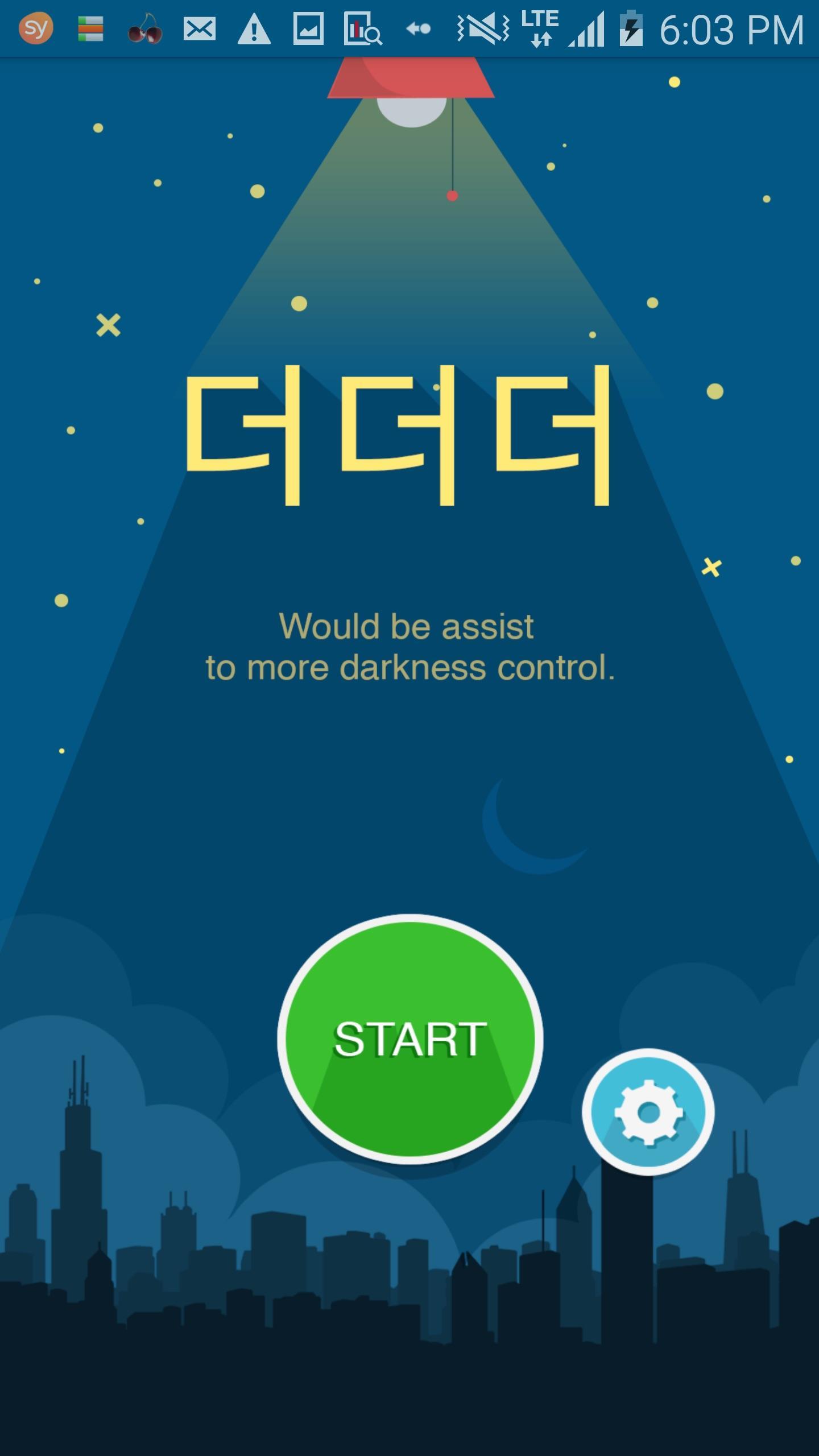
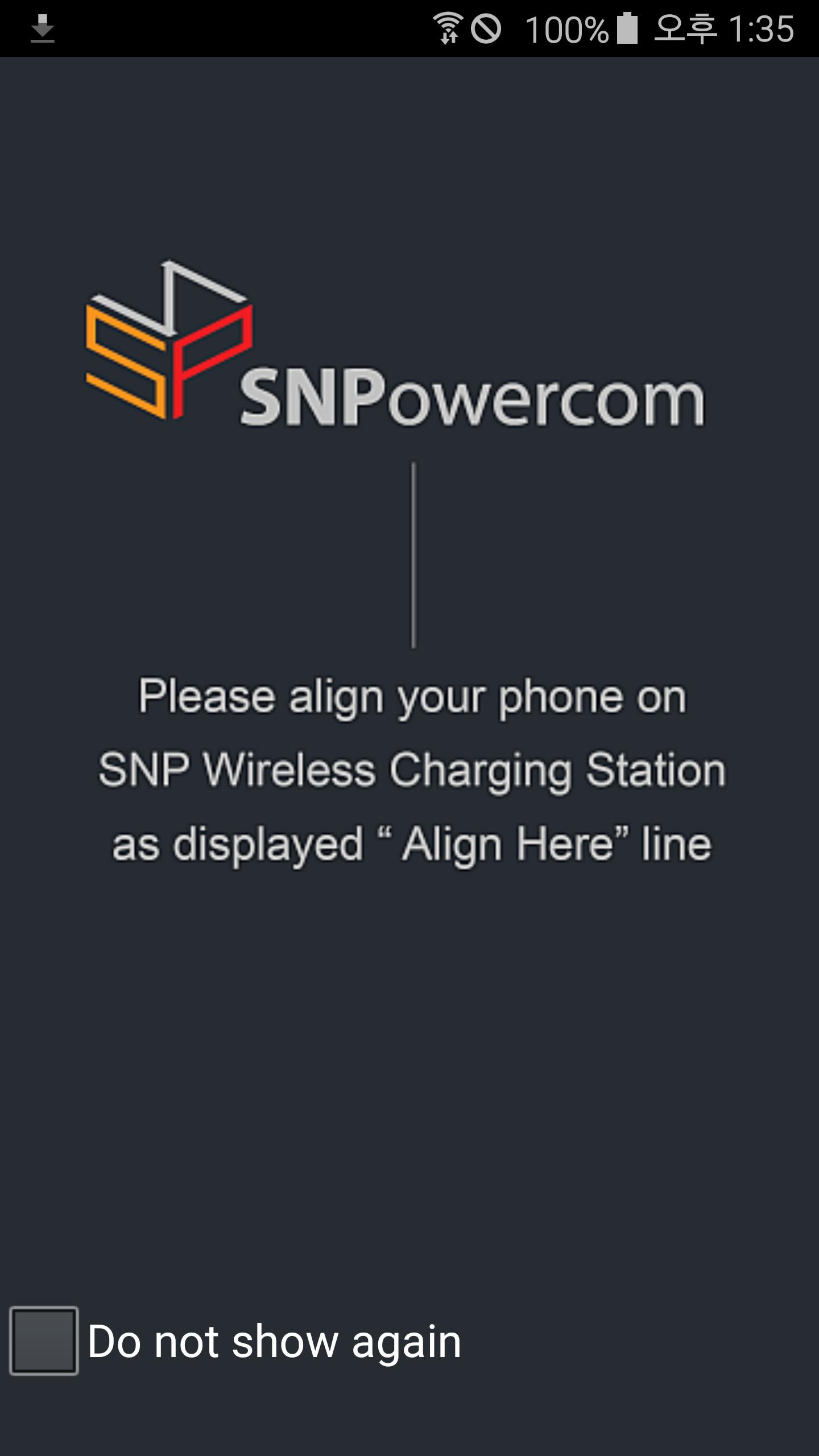
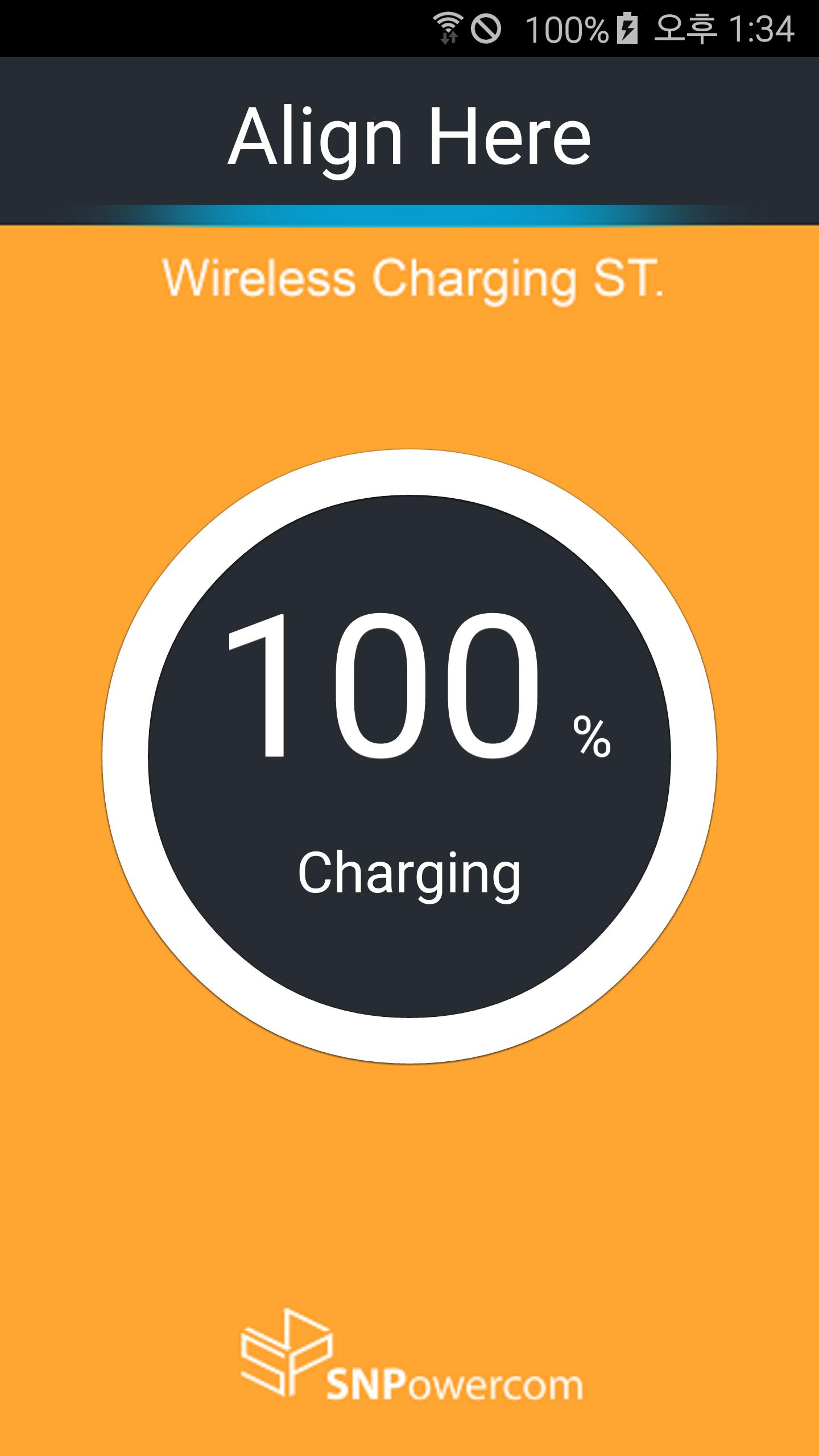
This application is automatically run when Smartphone is placed on S110, thereby enabling wireless charging optimization by displaying on the Smartphone screen such information as best charging location, battery charging level and status in a precise manner
**** Please note that S110 "Wireless Charge Station" application currently supports Galaxy S6 and Galaxy S6 Edge only. ****
**** Please note that S110 "Wireless Charge Station" application currently supports Galaxy S6 and Galaxy S6 Edge only. ****
**** Please note that S110 "Wireless Charge Station" application currently supports Galaxy S6 and Galaxy S6 Edge only. ****
[User Guide]
1. Install "Wireless Charge Station" application into Galaxy S6 or Galaxy S6 Edge.
2. After installed, you must be run an Application once.
3. Place Galaxy S6 or S6 Edge on S110 wireless charger.
4. Align the top of Smartphone with the guide line indicated in the application for best charging efficiency.
SNPowercom

Get free Primogems, Mora, Experience, and more with these November 2024 Genshin Impact codes, 5.1 livestream codes, and find out how to redeem active codes.
If you are bored with playing the vanilla version of Metaphor ReFantazio, you can check out these five mods.
Struggling with your submissions for Roblox's The Haunt event in 2024? Check out our guide on using Dress to Impress to create your captures!
Our walkthrough for Dragon Age: The Veilguard with some handy tips and tricks, with guides for puzzles, bosses, companions, equipment, romance, and more!
Which faction should you pick in Dragon Age: The Veilguard?
Looking for some bonus resources in Sea of Conquest: Pirate War? We’ve got you covered with these codes for the latest seafaring freebies.